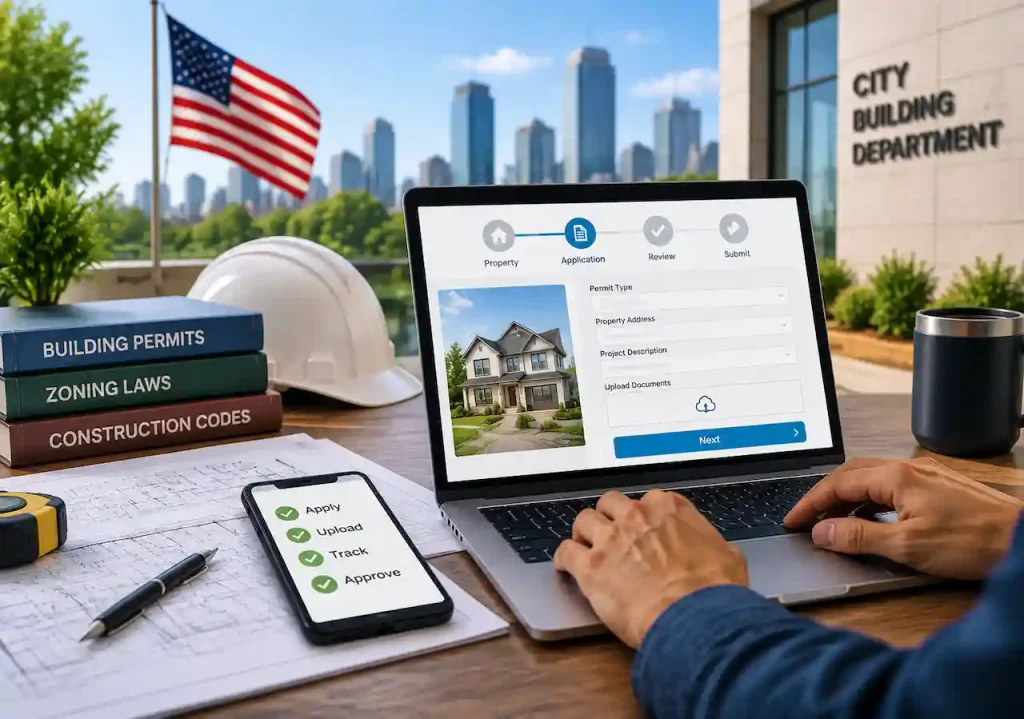
Applying for a construction or renovation permit has become much easier as cities across the United States move from paper-based systems to online permitting portals. Homeowners, contractors, architects, and developers can now submit applications, upload drawings, pay fees, and track approval progress digitally.
However, submitting an online permit application is not always as simple as filling out a form. Each city and county has different requirements, and many applications face delays because of missing documents, incorrect drawings, wrong permit types, or incomplete project information.
This guide explains how to submit an online permit application in the USA, what documents you need, how the review process works, common mistakes to avoid, and how to improve your chances of faster approval.
Can You Apply for a Building Permit Online?
Yes, many cities and counties in the USA allow property owners, contractors, and professionals to apply for building permits online. Online permit systems allow applicants to complete the entire submission process digitally, including:
- Creating a permit account
- Selecting the correct permit type
- Entering project details
- Uploading drawings and documents
- Paying permit fees
- Tracking review status
- Responding to correction comments
The exact process depends on your local building department because every jurisdiction follows different building codes, zoning rules, and submission requirements. Before starting your application, always confirm that you are using your city’s official permit portal.
How to Submit an Online Permit Application
Although every municipality uses different software, most online permit applications follow a similar process.
Step 1: Find Your City’s Official Permit Portal
The first step is locating the correct online permitting website. Most cities provide permit access through their:
- Building department website
- Planning department website
- Community development portal
- Construction services department
Some municipalities use third-party systems such as Accela, Citizenserve, OpenGov, EnerGov, or similar platforms. Always verify the website address before creating an account. Using unofficial websites can lead to incorrect information or unnecessary delays.
Step 2: Create Your Permit Account
Most online permit systems require applicants to create an account before submitting a project. During registration, you may need to provide:
- Your name
- Email address
- Phone number
- Mailing address
- Property information
Contractors and professionals may also need to provide license details or company information. Use an email address you regularly check because building departments usually send approval updates, correction notices, and review comments through email.
Step 3: Select the Correct Permit Type
Choosing the correct permit category is one of the most important steps when submitting an online permit application. The permit type depends on the scope of your project, the work involved, and the requirements set by your local building department.
A building permit is typically required for projects such as new construction, home additions, structural modifications, major renovations, decks, and garages. These permits help officials review whether the proposed work meets building code and safety requirements.
An electrical permit applies to projects involving electrical system changes, including panel upgrades, new circuits, electrical modifications, and generator installations. These permits ensure that electrical work follows safety standards.
A plumbing permit may be required for projects that involve bathroom renovations, plumbing relocations, water line changes, or sewer connections. Local authorities review these applications to confirm that plumbing work meets code requirements.
A mechanical permit covers heating, ventilation, and cooling-related work, such as HVAC installations, air conditioning systems, heating equipment, and ventilation changes.
In addition, some projects require a zoning permit to confirm compliance with local land-use rules, setbacks, and property restrictions. Selecting the wrong permit type can delay the approval process because the building department may request a new submission or additional information.
Documents Required for an Online Permit Application
A successful online permit application depends on submitting complete and accurate documents. While requirements vary based on the project type and location, most applications require basic project information, drawings, and supporting documentation.
Permit Application Form
The permit application form provides essential details about the project, including the property owner, project location, contractor information, and scope of work. This information helps the building department understand the purpose and details of the proposed construction.
Site Plan
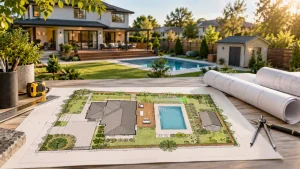
A site plan is one of the most important documents for many permit applications. It shows how the proposed project relates to the existing property layout and helps reviewers evaluate zoning, setbacks, and site conditions.
Our team prepares accurate site plans that show property layouts, structures, setbacks, and project details required for permit approval.
Depending on the project requirements, a site plan may show property boundaries, existing structures, proposed improvements, setbacks, easements, driveways, and utility locations. A clear and accurate site plan helps reviewers confirm that the project follows local requirements.
Construction Drawings
Many construction and renovation projects require technical drawings that explain how the work will be completed. These drawings may include floor plans, elevations, structural details, electrical layouts, plumbing plans, and mechanical information based on the project scope.
Professional construction drawings help reviewers understand your project scope and verify compliance with building requirements.
Supporting Documents
Some projects may also require additional documents such as engineering reports, surveys, energy compliance documents, HOA approvals, or contractor licenses. Providing all required documentation during the initial submission can help reduce correction requests and avoid unnecessary approval delays.
How to Prepare Your Permit Documents Before Submission
Before uploading your documents, review everything carefully.
Make sure:
- Property information matches all documents
- Drawings show accurate measurements
- Plans include required details
- File formats meet portal requirements
- Documents are clearly named
For example, uploading a simple screenshot instead of a scaled drawing may cause rejection because reviewers need accurate information to evaluate compliance.
Professional permit drawings can significantly improve the quality of your application and reduce revision cycles. How to Upload and Submit Your Permit Application
After preparing your documents, you can complete the online submission process through your local permit portal. Although each system works slightly differently, most platforms follow a similar process.
Enter Project Information
The first step is providing accurate project details. Your application should include the project address, property owner information, contractor details, and a clear description of the proposed work.
A detailed project description helps reviewers understand the scope of your application and reduces the chance of receiving clarification requests.
For example:
“Construction of a 400-square-foot residential addition including structural, electrical, and HVAC modifications.”
Upload Required Files
Once you enter the project information, upload all required documents through the permit portal. Most systems accept digital files such as PDF drawings, engineering reports, and other supporting documents.
Before submitting your files, review the portal requirements and confirm that your documents meet the required file size, format, and naming guidelines. Properly organized files make the review process easier for building officials.
Pay Permit Fees
After uploading your documents, most cities require payment before they begin the review process. Permit fees usually depend on factors such as project value, permit type, location, and local regulations.
Understanding the fee requirements before submission helps prevent delays in starting the review process.
Submit Your Application and Save Your Tracking Number
After completing all required steps, submit your permit application and save the confirmation number provided by the system. This tracking number allows you to monitor your application progress, view correction comments, and communicate with the reviewing department.
How to Track Your Online Permit Application Status
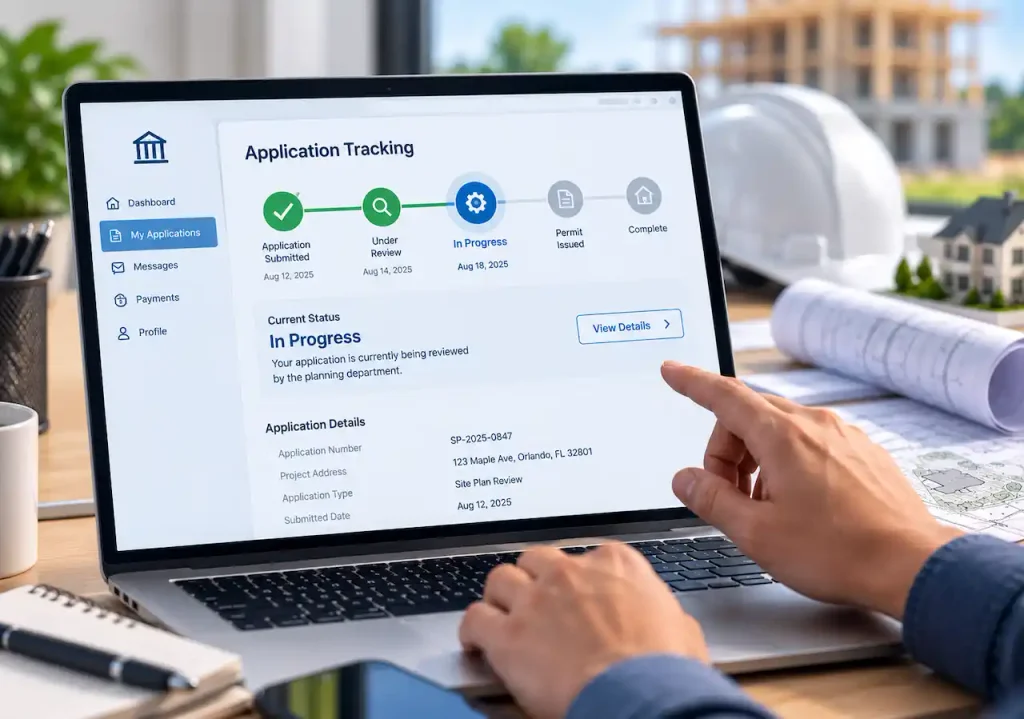
One major advantage of online permitting is the ability to monitor your application progress digitally. Most permit portals show different review stages, allowing applicants to understand the current status of their project.
Common permit statuses include:
- Submitted: The building department has received your application and uploaded documents.
- Under Review: Officials are reviewing your plans and documents to confirm they meet local requirements.
- Corrections Required: The reviewer has requested changes or additional information before moving forward with approval.
- Approved: Your project has successfully completed the review process.
- Permit Issued: The building department has issued the permit, allowing you to begin construction according to the approved plans.
Regularly checking your application status helps you respond quickly to review comments and avoid unnecessary delays.
Common Mistakes That Delay Online Permit Approval
Many permit delays happen because of avoidable errors during the application process. Reviewing your documents carefully before submission can help prevent correction requests and unnecessary approval delays.
Submitting Incomplete Drawings
Missing dimensions, unclear details, or incomplete plans can make it difficult for reviewers to understand your project. Before submission, make sure your drawings include all information required for your specific permit type.
Choosing the Wrong Permit Type
Selecting an incorrect permit category can create additional review steps and delay the approval process. Always confirm the correct permit type with your local building department before submitting your application.
Uploading Poor Quality Documents
Unclear images, incorrect file formats, or low-quality drawings can prevent reviewers from properly evaluating your project details. Upload clear, properly formatted documents that meet the portal requirements.
Ignoring Property Information
Incorrect addresses, property measurements, ownership details, or site information can create problems during review. Make sure all information matches across your application and supporting documents.
Missing Required Approvals
Some projects require additional approvals before submission, such as HOA authorization, zoning approval, or supporting documentation. Missing these requirements can stop the review process until the necessary information is provided.
Preparing your online permit application carefully before submission can save weeks of delays and improve your chances of faster approval.
How Long Does Online Permit Approval Take?
Permit approval timelines depend on:
- Project complexity
- Local building department workload
- Required reviews
- Accuracy of submitted documents
Typical timelines:
| Project Type | Average Approval Time |
|---|---|
| Minor residential permits | A few days to 1 week |
| Standard renovations | 1–4 weeks |
| Home additions | 2–8 weeks |
| Commercial projects | Several weeks or longer |
Complete applications usually move through review faster because they require fewer correction cycles.
Benefits of Online Permit Applications
Online permitting provides several advantages compared to traditional paper submissions. It makes the permit process more convenient, improves communication, and helps applicants manage their projects more efficiently.
Key benefits include:
- Convenience: Submit applications, upload documents, and complete permit tasks without visiting government offices.
- Faster Communication: Receive review updates, correction requests, and approval notifications directly through the online portal.
- Better Tracking: Monitor your application progress and check the current review status at every stage.
- Easier Record Management: Keep permits, drawings, approval documents, and project communication organized in one digital location.
Do You Need Professional Permit Drawings?
Many homeowners and contractors can complete the online application themselves, but preparing accurate permit documents can be challenging.
Professional permit drawing services help when projects require:
- Detailed site plans
- Construction drawings
- Structural information
- Accurate measurements
- Code compliance documentation
A well-prepared application improves approval chances and reduces the risk of repeated corrections. Our team creates complete permit-ready documents including site plans, architectural drawings, and construction plans.
Final Thoughts
Submitting an online permit application is now the standard process for many construction and renovation projects across the USA.
While each city has different requirements, the overall process remains similar: find the correct permit portal, create an account, prepare accurate documents, submit your application, and track the review process.
The biggest factor behind faster approval is submitting complete and accurate information the first time. Proper planning, clear drawings, and organized documentation can help avoid delays and keep your project moving forward.
Frequently Asked Questions
Can I submit a building permit application online?
Yes. Many cities and counties allow homeowners and contractors to submit building permit applications through official online portals.
What documents do I need for an online permit application?
Most projects require application forms, project details, drawings, and supporting documents such as site plans or engineering reports.
How long does an online permit application take?
Approval times vary depending on project complexity and location. Simple permits may take days, while complex projects may require several weeks.
Can I apply for a permit without a contractor?
In many areas, homeowners can apply directly for permits. However, some projects may require licensed professionals.
Why was my online permit application rejected?
Common reasons include missing documents, incorrect drawings, wrong permit selection, incomplete information, or zoning issues.
Do online permit applications require drawings?
Many construction projects require drawings, including site plans, floor plans, and technical documents, depending on the scope of work.